Aripuca GPS Tracker
Publisher Description
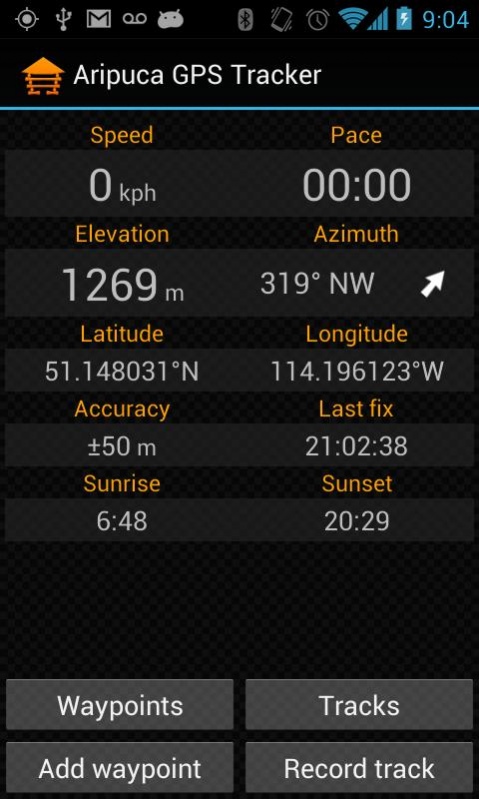
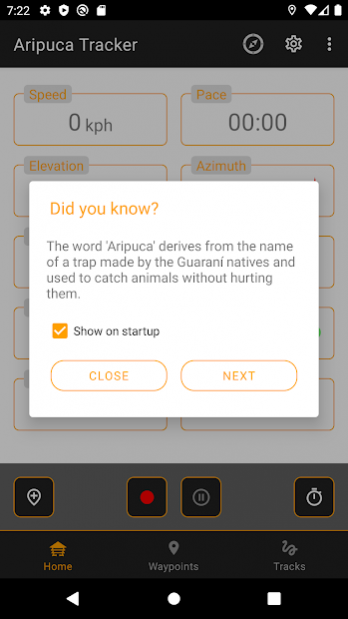
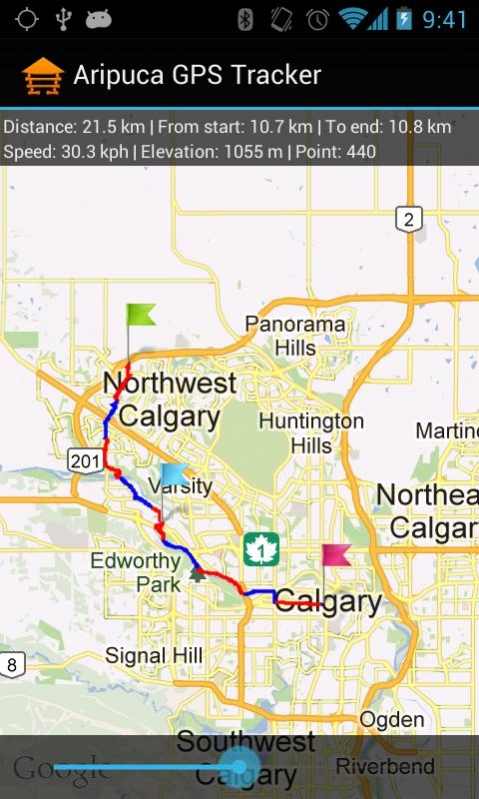
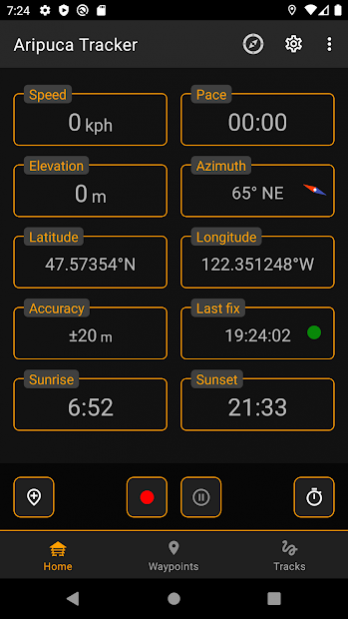
Record track points in real-time. Record locations on schedule and save battery power. Add waypoints, use compass, import/export data to/from various formats, display tracks/waypoints on the map, compare tracks and track segments and much more.
SCHEDULED TRACK RECORDING MODE
The only app on the market with this feature!
Save battery power by recording your location on predefined schedule. Record points every N minutes for M hours with X accuracy and D minimum distance.
FEATURES
- records average/moving/max speed/pace, min/max elevation, elevation gain/loss, total/moving trip time, etc.
- segment tracks automatically by distance, time, custom intervals or manually
- save waypoints (waypoints saved during track recording become a part of that track)
- showing direction and distances to waypoints with real-time sorting (save location of your car before that football match and easily find it later!)
- fully functional compass. Magnetic and True North, rotating bezel (dial)
- export/import recorded tracks/waypoints to/from various formats (GPX, KML) and email them to friend
- display tracks/waypoints on a map (track segments are displayed using different colors)
- change layouts dynamically (for example: display Pace instead of Speed, etc)
- multiple measurement units
- multi-language support
- track segments (by distance, by time, by custom intervals, etc.)
- backup and restore entire application database in SQLite format
- sunset and sunrise times for your current location
- and it's free and has no ads!
Want to add a new language to the app? Just drop us a line and register as a project translator.
About Aripuca GPS Tracker
The company that develops Aripuca GPS Tracker is VitalNik. The latest version released by its developer is 1.0 . This app was rated by 1 users of our site and has an average rating of 3.0.
To install Aripuca GPS Tracker on your Android device, just click the green Continue To App button above to start the installation process. The app is listed on our website since 2020-11-05 and was downloaded 35 times. We have already checked if the download link is safe, however for your own protection we recommend that you scan the downloaded app with your antivirus. Your antivirus may detect the Aripuca GPS Tracker as malware as malware if the download link to com.aripuca.tracker is broken.
How to install Aripuca GPS Tracker on your Android device:
- Click on the Continue To App button on our website. This will redirect you to Google Play.
- Once the Aripuca GPS Tracker is shown in the Google Play listing of your Android device, you can start its download and installation. Tap on the Install button located below the search bar and to the right of the app icon.
- A pop-up window with the permissions required by Aripuca GPS Tracker will be shown. Click on Accept to continue the process.
- Aripuca GPS Tracker will be downloaded onto your device, displaying a progress. Once the download completes, the installation will start and you'll get a notification after the installation is finished.
Program Details
System requirements
Download information
Pricing
Version History
version
posted on 2020-11-05
v2.3.3
Added GPX files import.
version
posted on 2020-09-18
Version 2.2.31
version
posted on 2020-08-04
Version 2.2.29
version
posted on 2020-07-05
Version 2.2.26
version
posted on 2020-07-02
Version 2.2.23
version
posted on 2019-09-13
Version 2.1.18
version
posted on 2019-02-15
Version 2.1.15
version 1.3.11
posted on 2018-03-12
v.1.3.11
Runtime permissions. Bug fixes. Style updates.
version 1.3.8
posted on 2016-04-24
v.1.3.8,Maintenance release.,v.1.3.7,Google analytics release,v.1.3.6,Maintenance release,v.1.3.5,New layouts, translation updates,v.1.3.4,German translation,v.1.3.3,Bug fix release,v.1.3.2,New layouts. Bug fixes.,v.1.3.1,Bug fix release,v.1.3.0,New map feature added. Now you can display track with moving,marker showing current track point details like speed, elevation, distance from start to finish, etc.,New target API 17 (Android 4.2),Bug fixes.
version 1.3.4
posted on 2013-05-09
Several fixes and updates
